

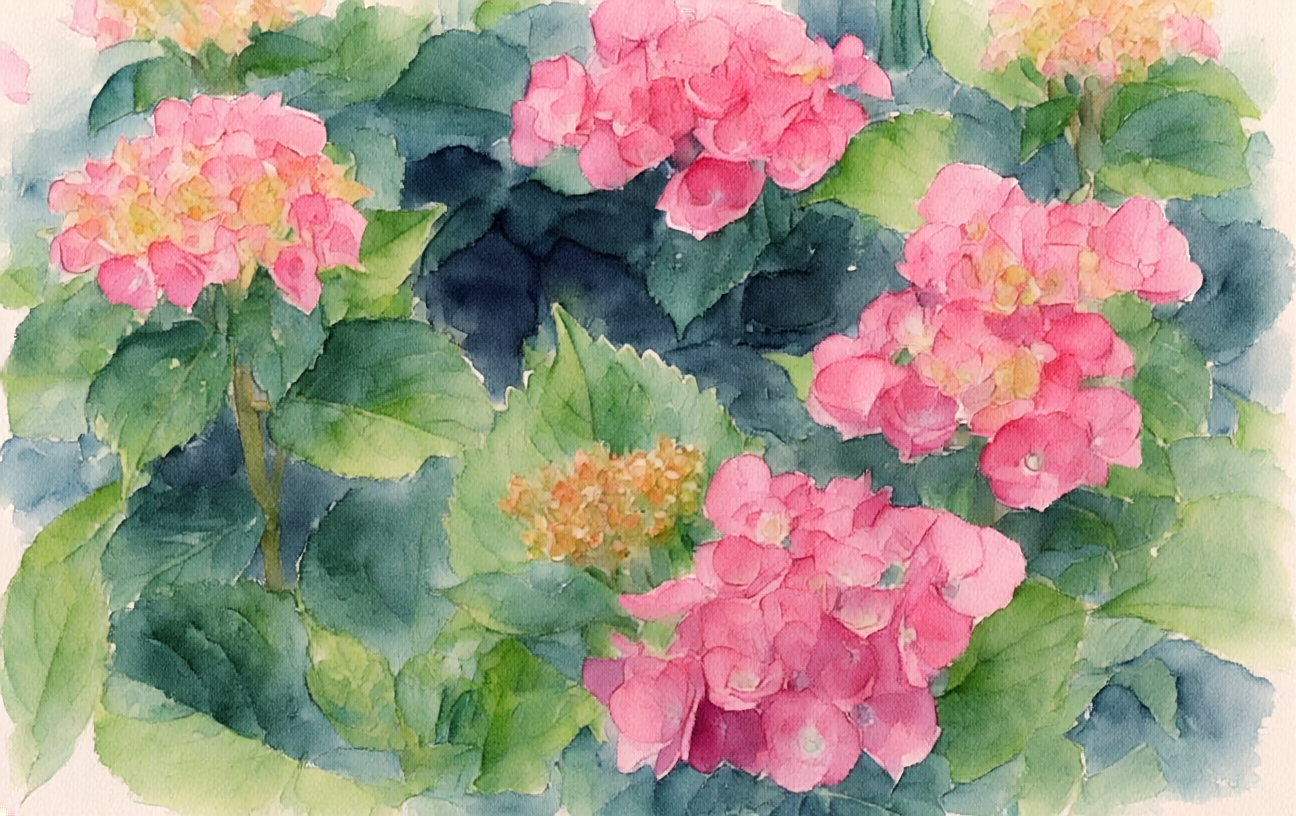
Ritva has issued a great challenge this week, asking us to explore photo editing. She has some great examples in her post. Editing images is right up my alley! I edit almost everything, sometimes extensively. I love the quote she includes midway through her post, by Andre Kertesz, “I do not document anything. I give an interpretation.” Rarely do I share an unedited photograph. For me, the art is in creating an image that conveys something of what I see in my mind’s eye. Composing an image is comparable to what we might compose in a work of music, or creating a painting.. Editing a photographic image is, to me, no different an art than painting, or printmaking, or another visual art. My tools are, instead of brushes and pigments, digital tools on a computer. Often these tools replicate or emulate an effect or “look” achieved with physical tools; other times, the digital tools help to create a completely unique visual image.
The featured image above will come around later in the post.
I posted this image of lovely hydrangeas not too many weeks ago. I’ll use this as the starting image. (I’m interpreting the challenge as working with one photograph and producing different edits.)
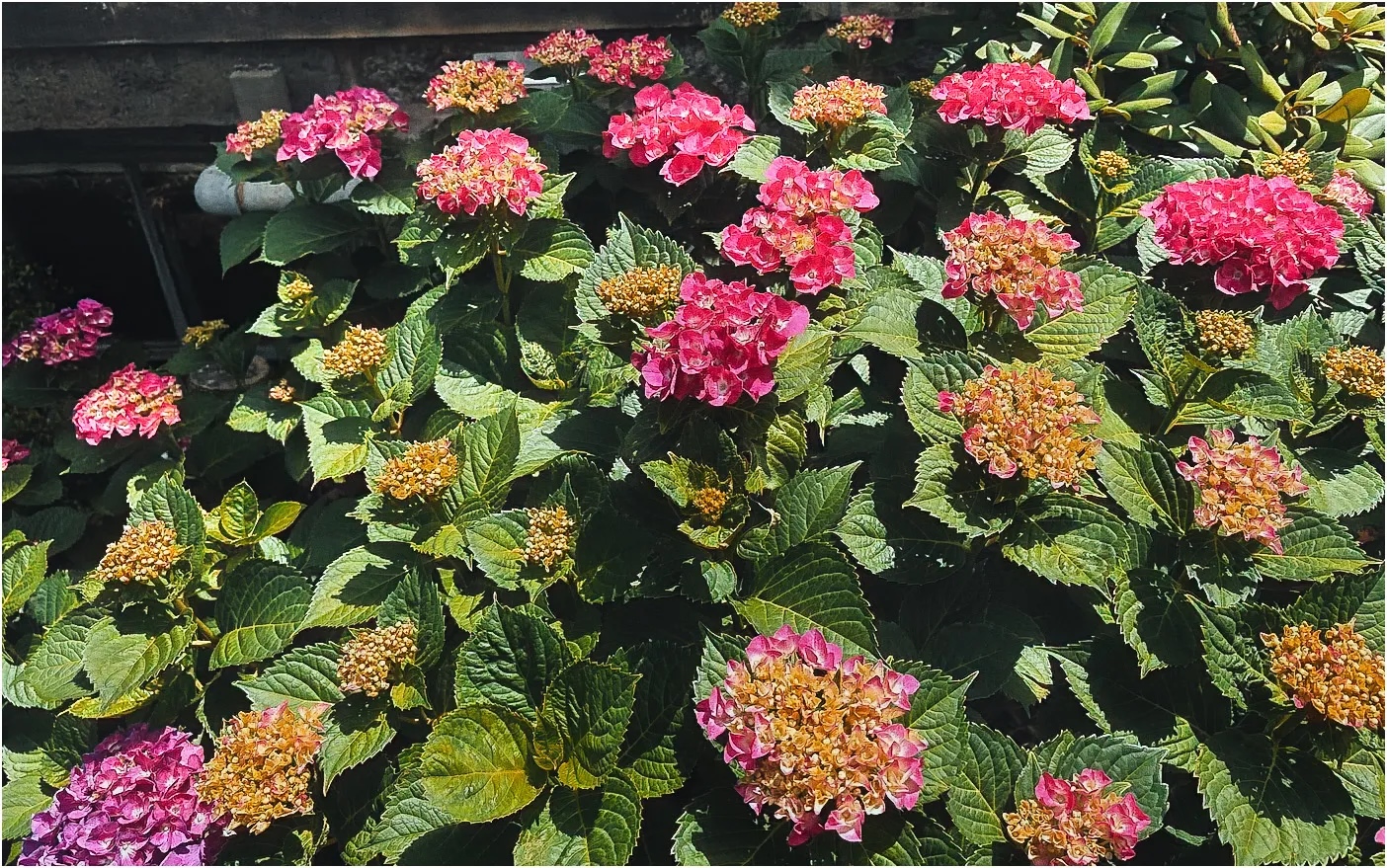
(All of the edits for this post are in Luminar Neo, except for the final AI imaging. Luminar Neo itself features a lot of AI-assisted editing, as is the case for most photo editing programs now.)
For the first edit, I’ve applied a preset that adjusts the image colors and exposure to create a China aesthetic – “Crimson Bloom.” The effects are not too dramatic but the colors are a shade more brilliant.


Next, I’ll introduce some fog, again in Luminar Neo. The edit also needed a few other edits, mostly to various exposure settings

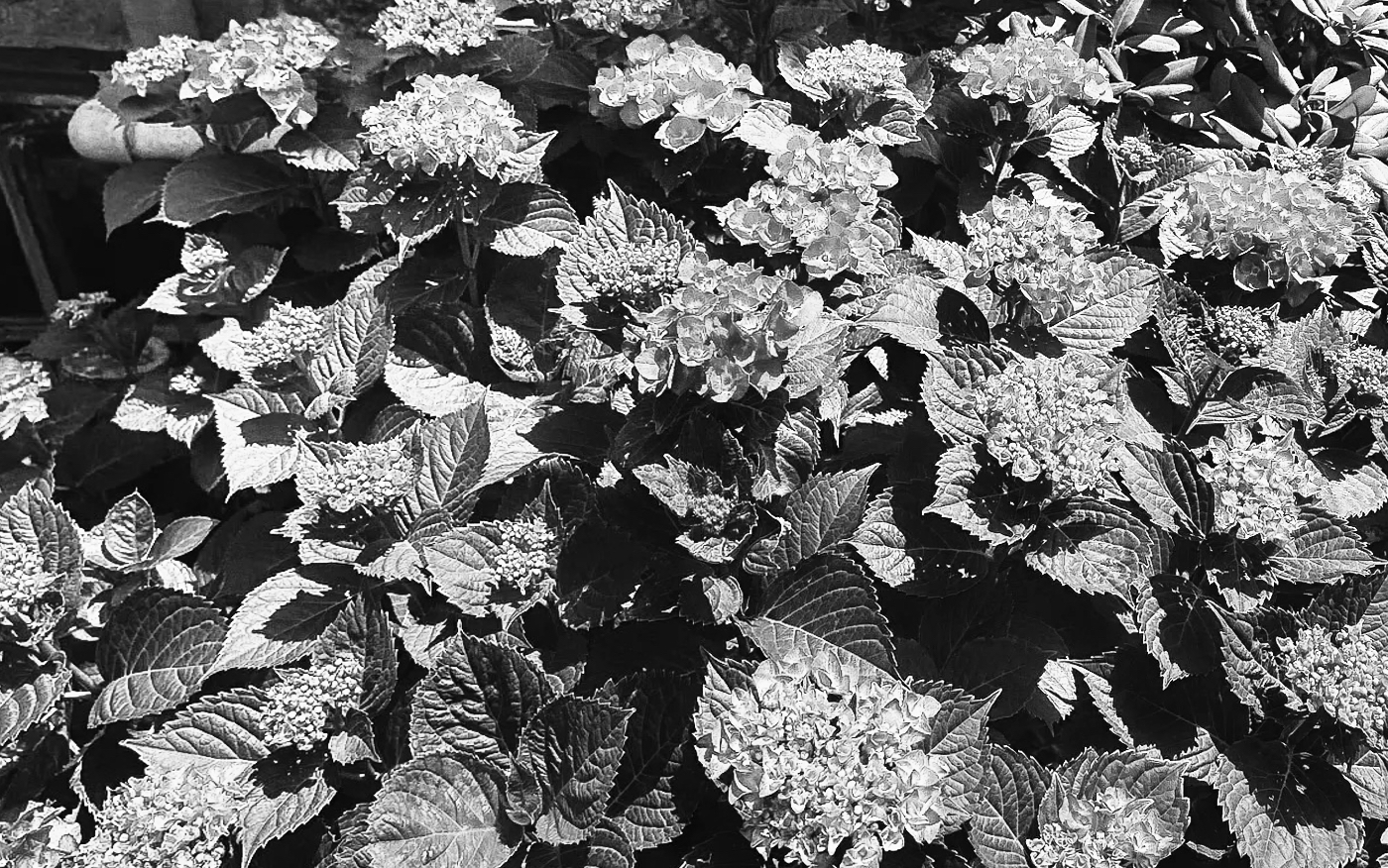
Next, I will try the black and white conversion. I desaturate the image completely. This then requires lots more edits to sharpen the image and to separate the flowers from the foliage. Note also that I got rid of that dark area in the upper left corner; I tilted the horizontal to achieve an effective crop. The image was saved with the original dimensions.
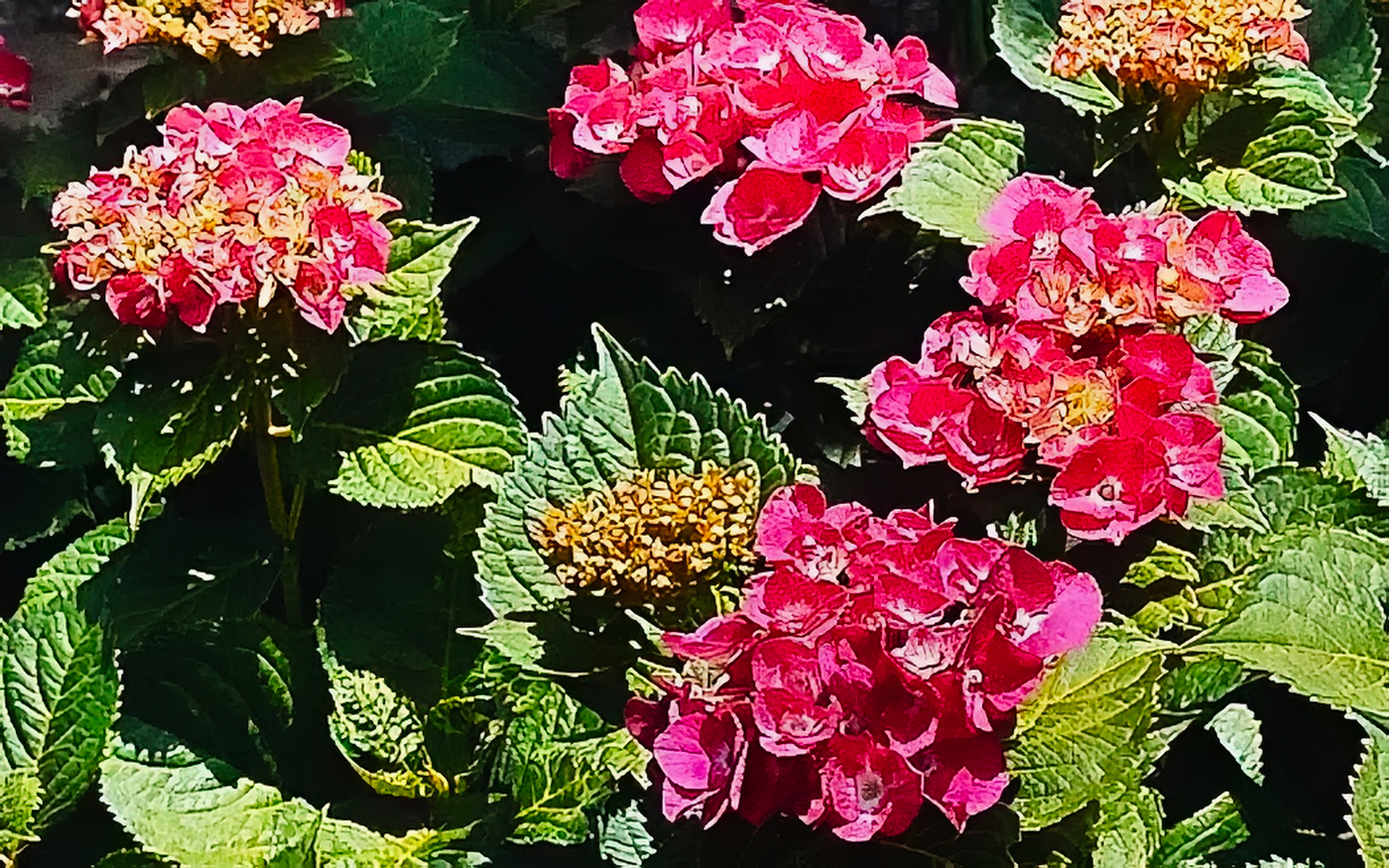
Next, I wanted to enlarge and focus on a specific small section with just a couple of flowers. So I first cropped the original image down to the desired section. But then the image size would be too small. So to fix that, I applied an image upscaling; this is done in Luminar but Luminar essentially applies an AI process. Here is the result. (No comparison – Luminar doesn’t save the crop after I’ve upscaled it.)
Finally, I’m going to share AI-created artistic watercolor versions. Rather than Luminar, here I used Adobe Firefly. For the first attempt, I used the original image and applied a Gemini 3.1 model.

I was not happy with this result (too subtle). So trying again, I used the cropped/upscaled version of the original. And instead of the Google Gemini AI model, I used Firefly Image version 5. Now I’m very happy with results. (And here is the post’s feature image.)


I hope the post isn’t too long. I’ve tried to share a full-size image and a side by side comparison for each of the edited versions. My favorites? The monochrome version and the last AI watercolor. What are your favorites? Thanks to Ritva for an interesting challenge. Sofia will have next week’s challenge, so tune in at 12:00 noon USA/EST.


Leave a Reply