


Something slightly different for New Images, this week. For a long time, I ignored any reference to LUTs. There plenty of tools available in whatever app I was using that helped accomplish what I wanted. But recently, I’ve explored the use of LUTs. LUTs can help establish subtle variations in mood. LUT stands for “look up table.” For a basic LUT, imagine a table with two columns and 256 rows. Each cell in the first column consists of the number of a color, the adjoining cell the number of another color. The LUT tells the editing app, “At each pixel of color in the left cell, change the pixel to the color in the right cell. The application applies the LUT to every pixel in the image. In practice, the LUTs in an application like Luminar or Photoshop are three dimensional, thus applying to all 65,512 colors. One usually sets exposure and color balance first, then applies a LUT. Here, side by side, is an original image and the image with a LUT applied. (Note that all images are clickable.)


A LUT, therefore, makes possible a change of mood. In fact, in Luminar Neo, LUTs are found in the Mood tool, in the Creative sub section.
There’s an important difference between LUTs and Presets. Presets save slider settings. The effects of such adjustments can change from image to image. The LUTs change colors. They’re like little “color grading factories.” The effect of a LUT is exactly the same for each image it’s applied to. Thus, LUT’s are especially well suited to when we want to apply a uniform mood to a collection of images.
Here are some more LUTs applied to the Painted Desert image.
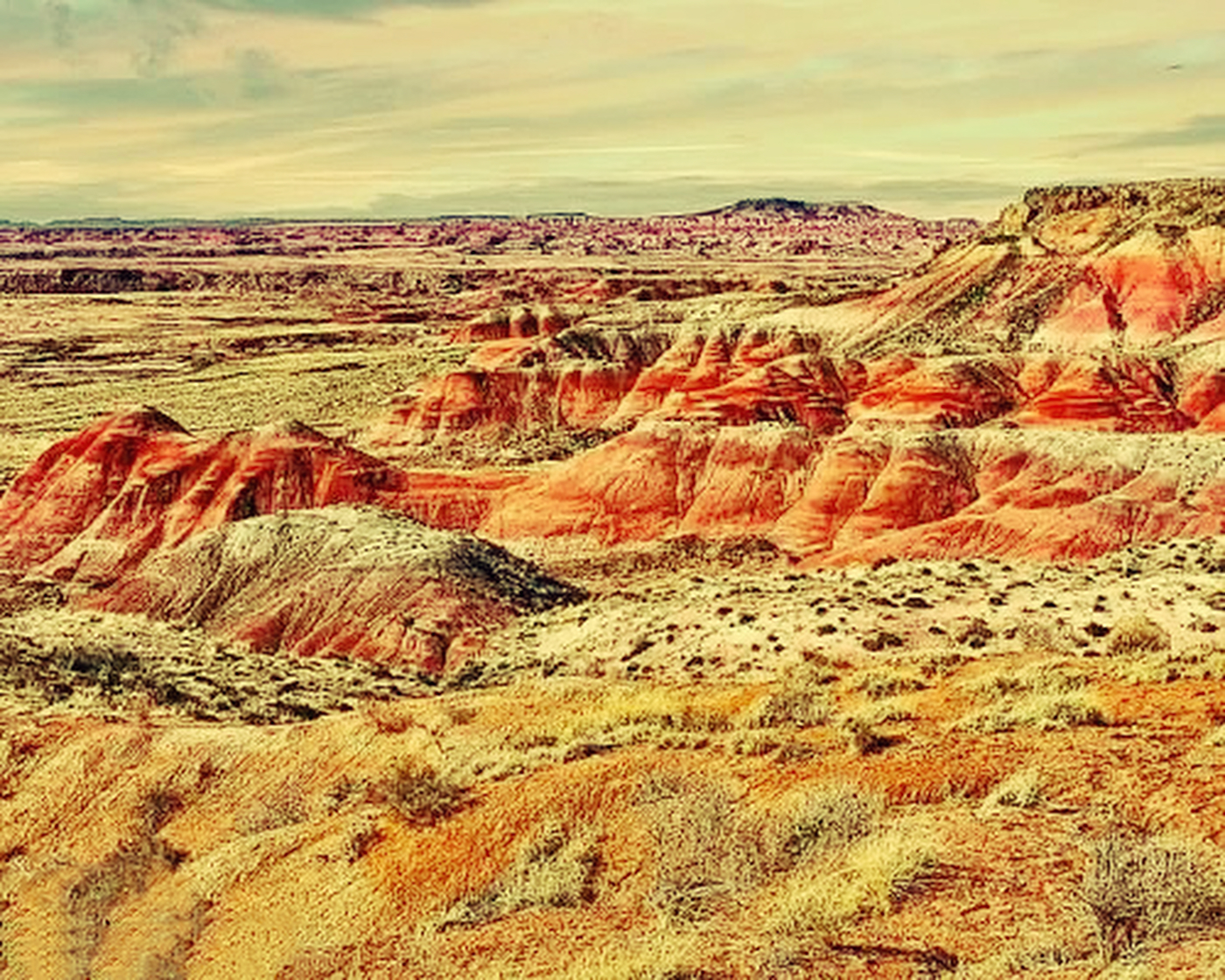

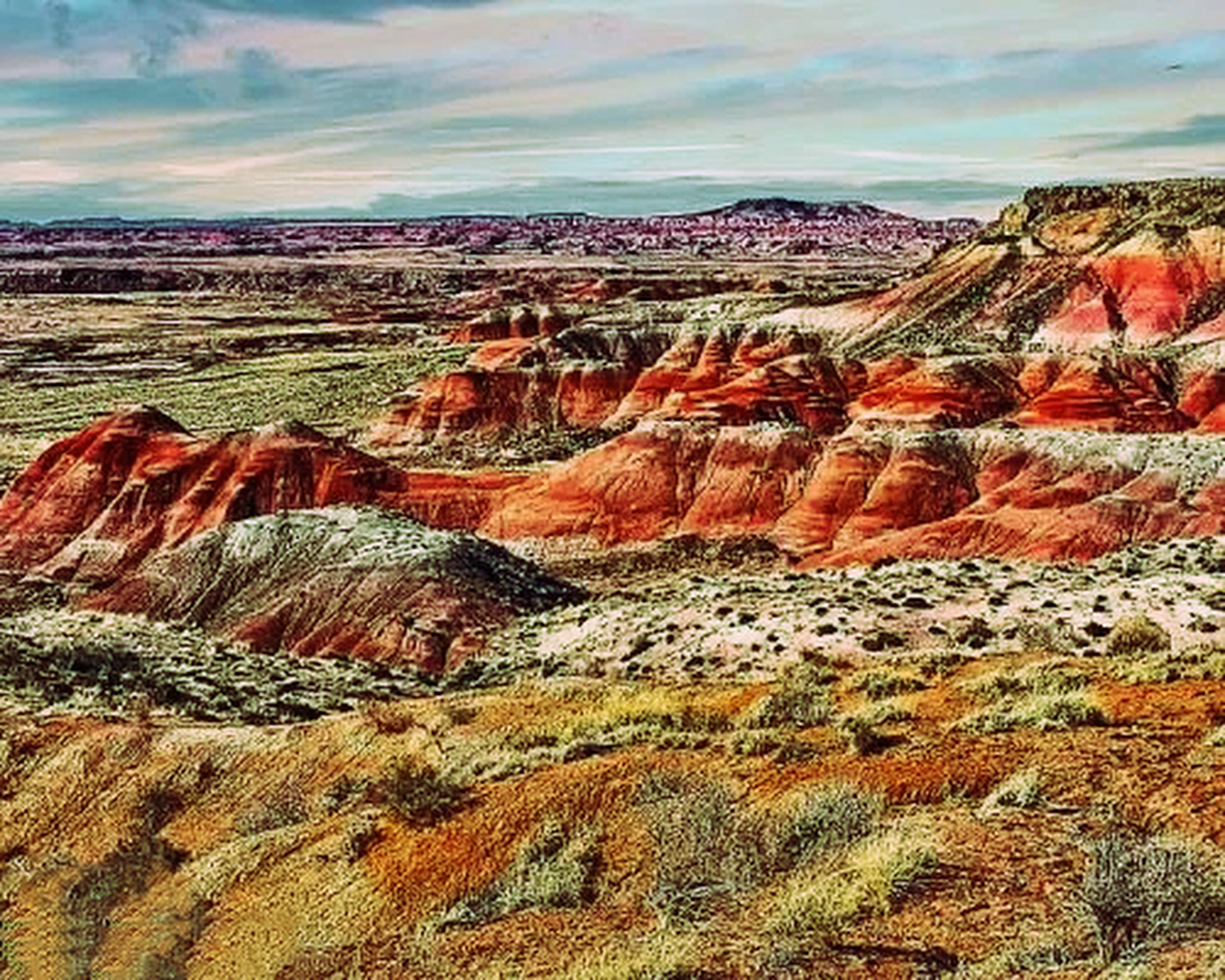
The LUT names are those in Luminar Neo. In Photoshop, the process requires an extra step. Here it is in Photoshop:
Layers
-> Add a new Adjustment Layer
-> Color Lookup
-> OK
-> Load 3d LUT
LUTs work with black and white images as well. Here is an original black and white image.

The sculpture, by the way, is igure for Landscape, by Barbara Hepworth. Here are three distinct treatments with LUTs…


The LUT names here are those in Luminar NEO. LUTs are also useful for emulating certain film styles across a collection.
I hope you found this helpful. Watch next week for another installment of New Images.
Leave a Reply