
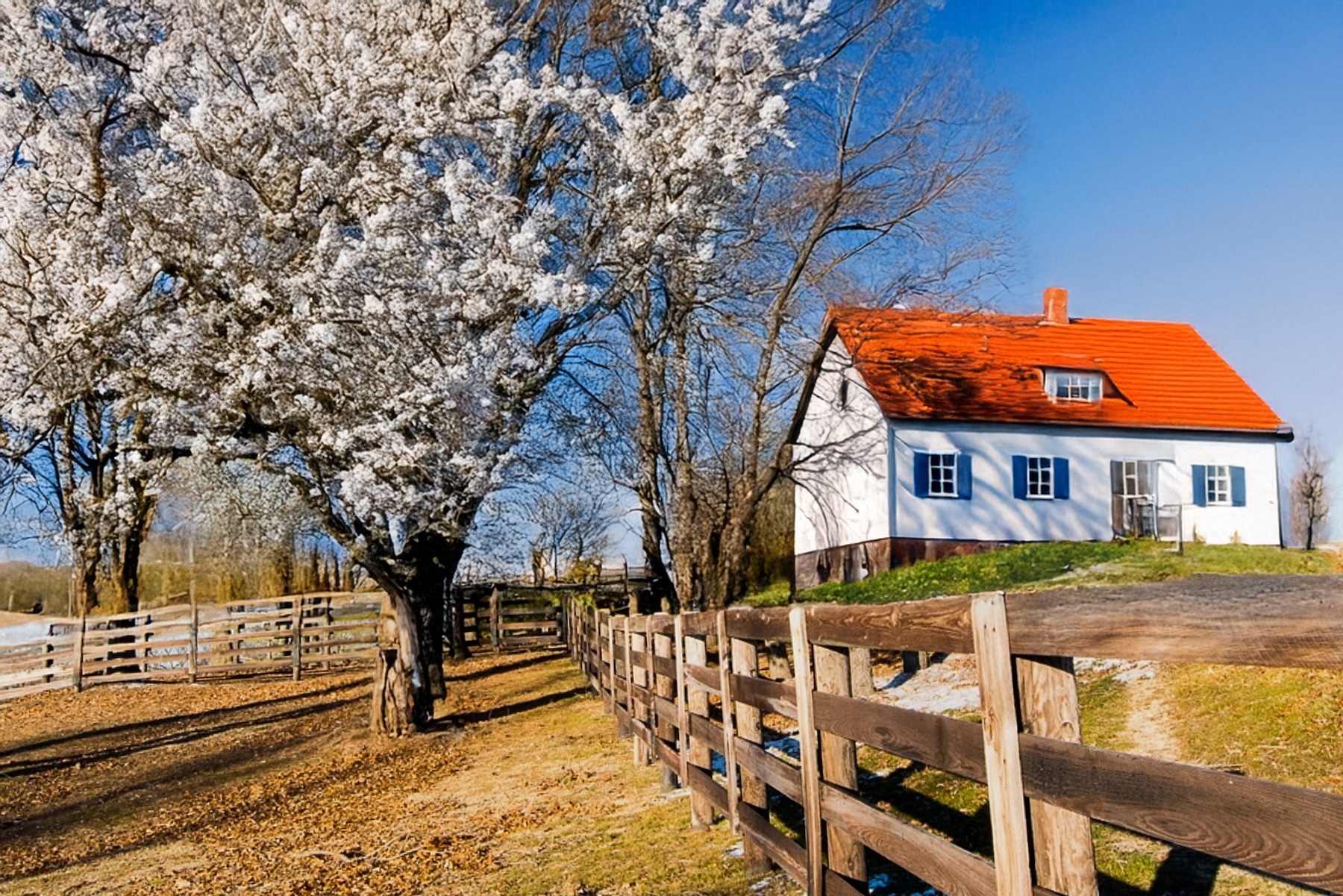

For variation 4, I opted to use Photoshop for some editing work. The primary focus of the original image and all its variations is the fence. Therefore, I aimed to preserve the entire section of the fence in the foreground; as it turns a corner and extends left, I also wanted to keep as much of that part as possible. Subsequently, I asked Photoshop to replace the areas above and in front of the fence. Additionally, I instructed Photoshop to include spring trees and a small house This process used generative fill—Photoshop utilized AI to create a new image based on my specifications for what I wanted the image to be, while including the fence. It seamlessly matched both style and content with the original while blending both sections together.
Because this variation is such a creative change, here’s a slider to compare this variation with the original image.
I understand that some may raise concerns about the use of AI and Photoshop. However, I believe it is acceptable and beneficial to experiment with various interpretations of an image. I placed strict limitations on the generated content, ensuring it included elements from the original image along with specific details regarding my vision. Is the outcome a photograph? Not exactly; I agree that it’s fair to require that what’s depicted in a true photograph be real. Nonetheless, it represents an alternative version of the original photograph that presents a fresh interpretation.
An intriguing aspect of Photoshop is that I didn’t request the red roof. The original image lacks any red hues, though a lot of it does possess a “rusty” appearance, which could include some red tones. I created around twelve different variations before choosing this one; each featured bright red roofs. It seems that Photoshop might assume all houses come with red roofs. Otherwise, one could only deduce that Photoshop generated the red roof from nothing.
Here are the original and all four variations.


Next week – May 1st – we start another monthly round of an original and variations.


Leave a ReplyCancel reply